Installation
The setup wizard installs the required .NET runtime, copies the files and creates the Windows services. At the end it opens the Configurator, where you set up the database and the other settings.
Before you begin
- A Windows account with local administrator rights.
- The setup file (
Nascella.Vpn_Setup_<version>_net10.exe) — the download link is sent by email after your trial or license request. - Internet access on the server if the .NET 10 Hosting Bundle is not installed yet; the setup downloads it. For offline servers, see System requirements.
- The firewall API user described in Firewall preparation.
1. Approve administrator access
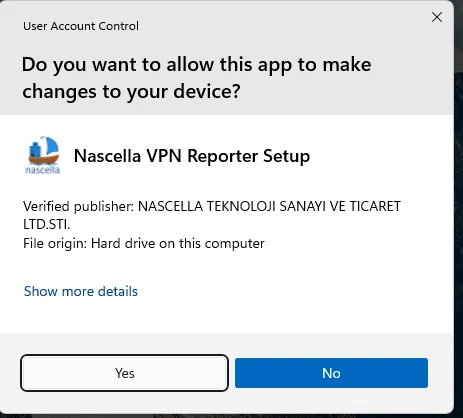
Double-click the setup file. Windows asks for permission to make changes; click Yes.
Make sure the Verified publisher is NASCELLA TEKNOLOJI SANAYI VE TICARET LTD.STI.
2. Select the setup language
Choose the language used during installation and click OK.

3. Accept the license agreement
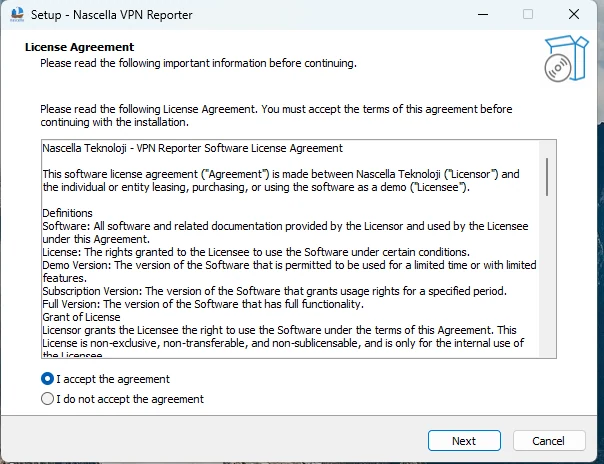
Read the agreement, select I accept the agreement and click Next.
4. Review the requirements
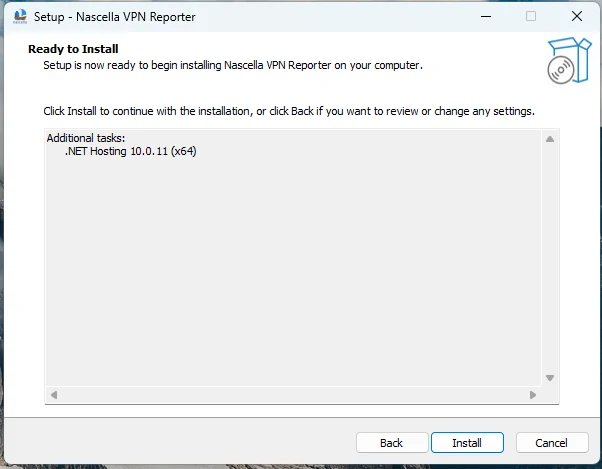
The Ready to Install page lists the components that are missing on this server, for example .NET Hosting 10.0.11 (x64). If the list is empty, everything is already in place. Click Install.
5. Required components are downloaded and installed
Missing components are downloaded from Microsoft. This step needs internet access.
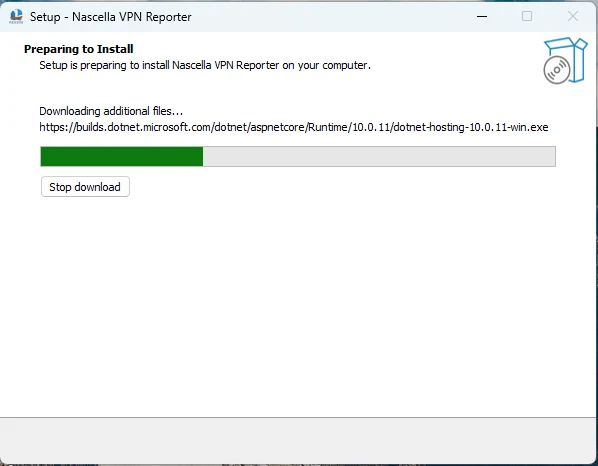
The .NET Hosting setup then runs on its own; no action is needed.
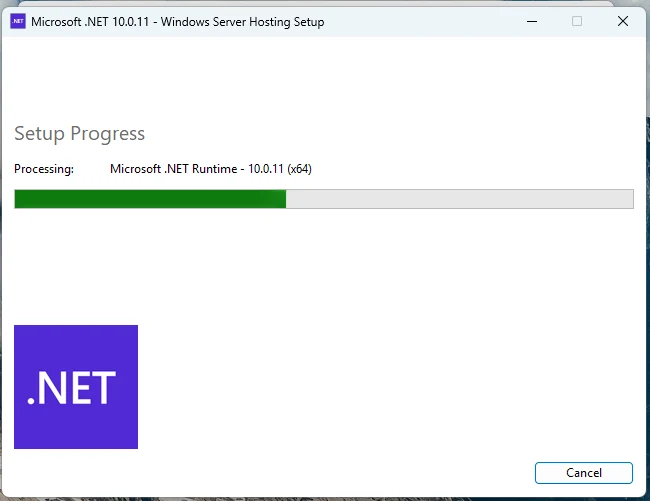
If .NET 10 Hosting is already installed, steps 4–5 show no download and the setup continues directly with the files.
6. Files are copied
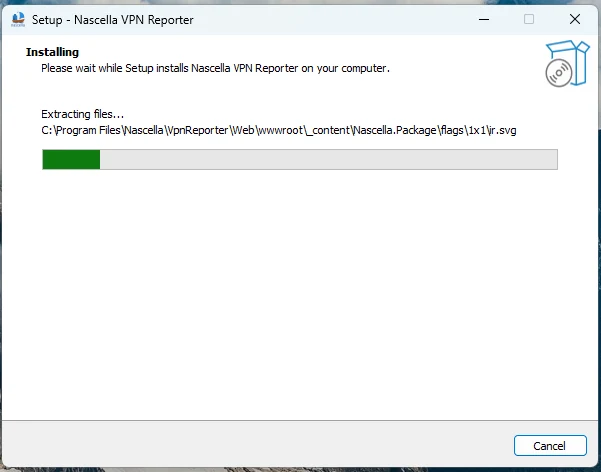
The files are installed to C:\Program Files\Nascella\VpnReporter:
| Folder | Content |
|---|---|
Web | Web console |
Api | API service (log collection) |
Configurator | Configuration tool |
logs | Application logs |
DB | SQLite database (if you choose SQLite) |
The setup registers two Windows services: Nascella.Vpn.Web and Nascella.Vpn.WebApi.
7. Finish and open the Configurator
Keep Run configurator app selected and click Finish. The Configurator opens so you can set up the database and the other settings.
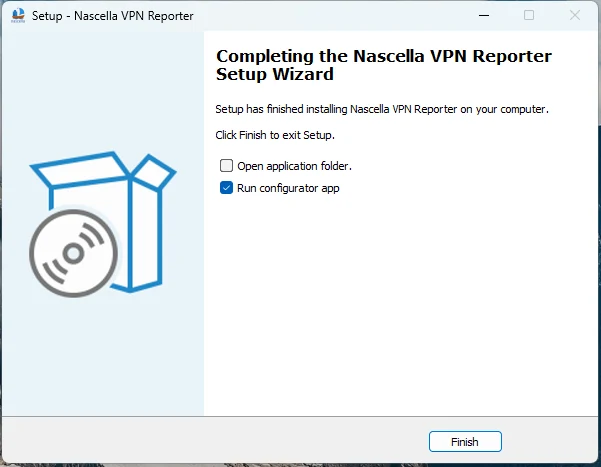
VPN Reporter cannot start collecting data until the Configurator is completed. If you cleared the option,
run C:\Program Files\Nascella\VpnReporter\Configurator\Nascella.Vpn.Configurator.exe as administrator.
Next step
Continue with the Configurator.