First sign-in to the web console
Sign in
The web console runs on port 35444 by default: https://<server-name>:35444. You can also open it by clicking the
CORS address on the Configurator's Dashboard screen.
Sign in with the default account. Change the interface language with the language selector at the top right.
| Username | Password |
|---|---|
admin | nascella |
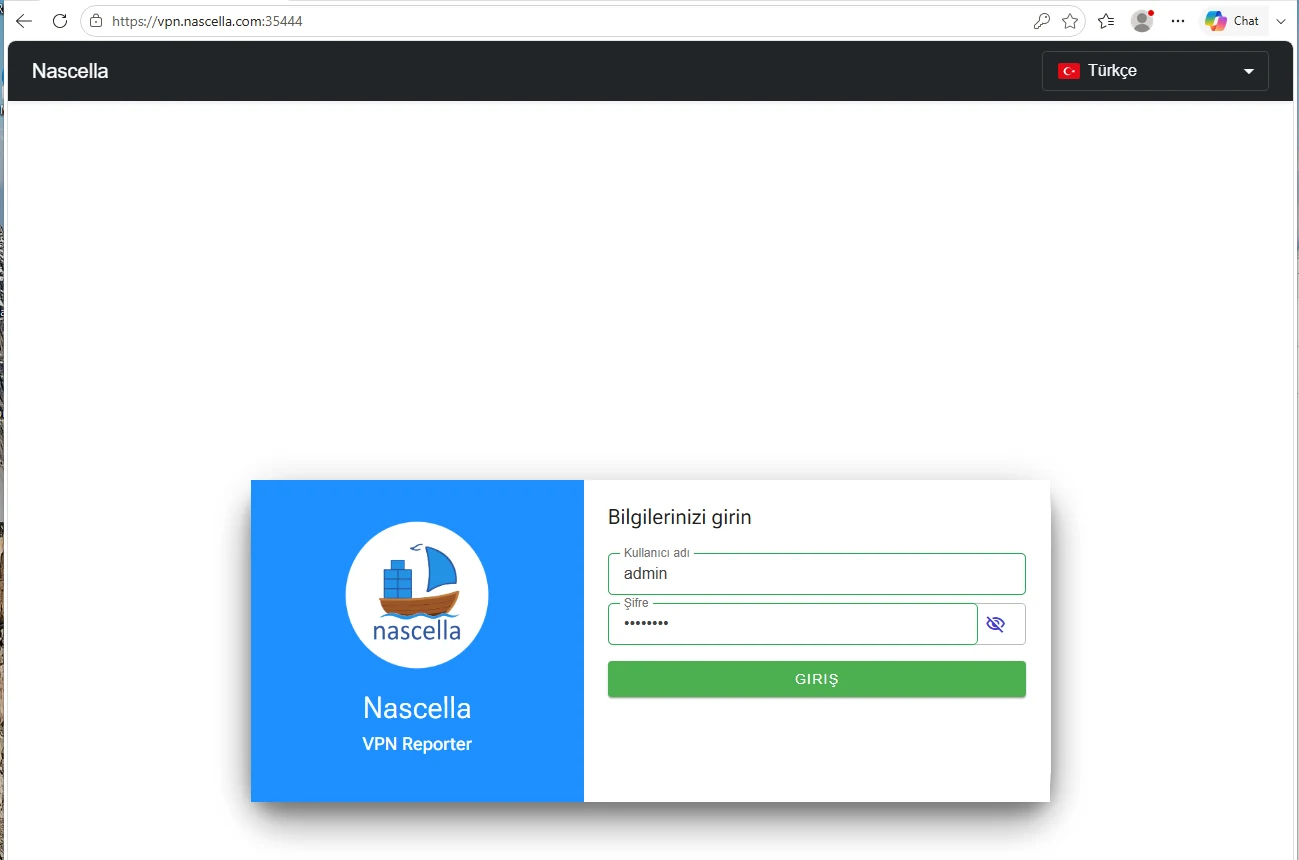
The default password is publicly known. Change it after the first sign-in and turn on Password change forced for default password in Server settings.
Two-factor authentication
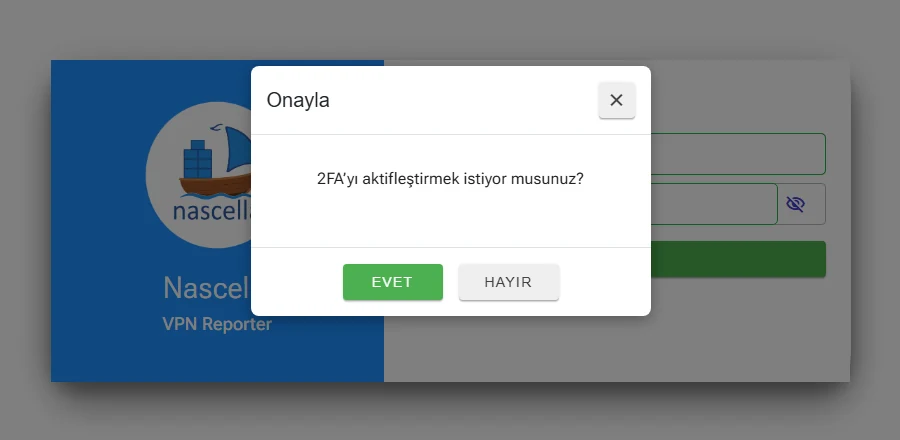
On the first sign-in you are asked whether to turn on two-factor authentication (2FA). Click Yes if you want it.
Setup wizard
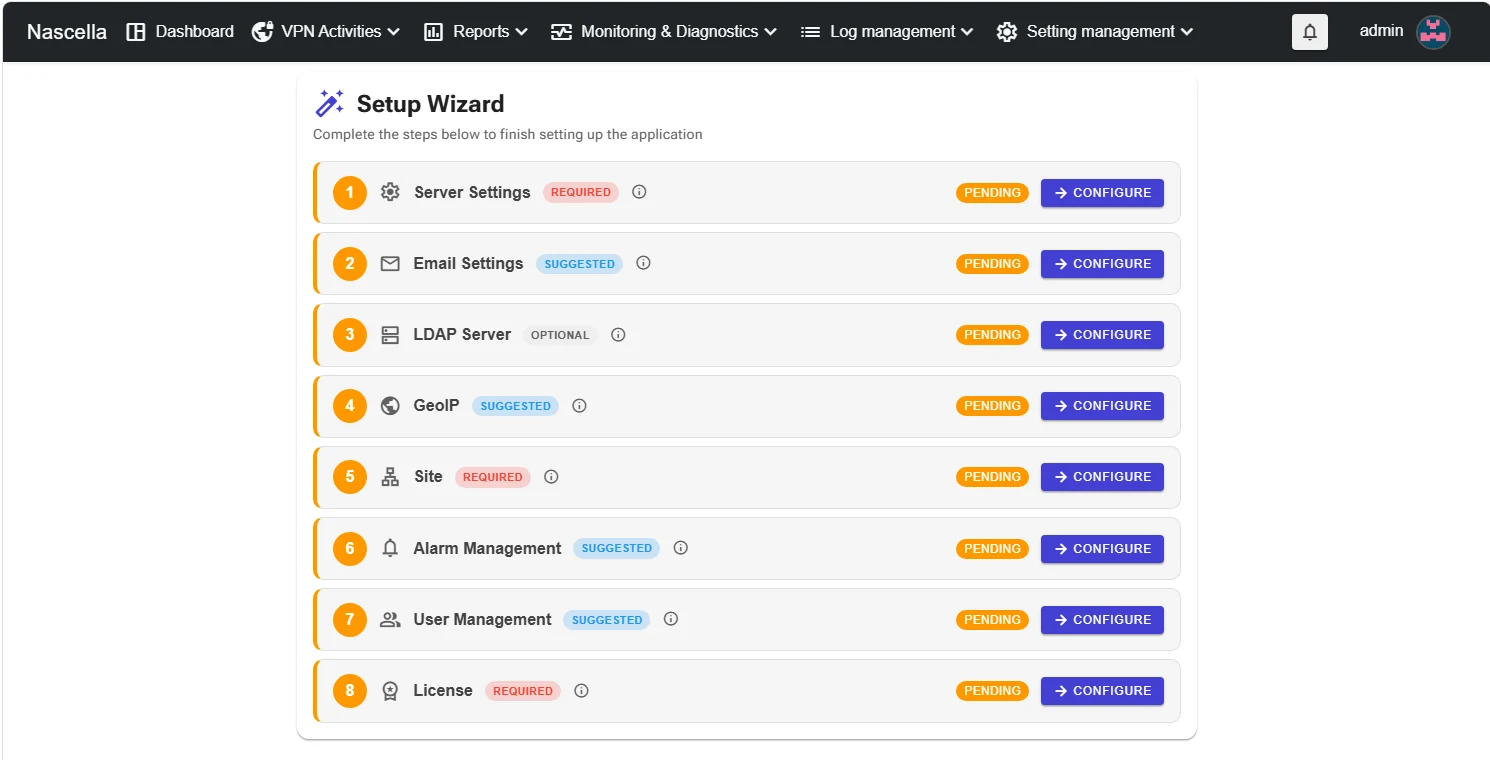
On the first start the Setup Wizard appears. Each step shows how important it is; click Configure to open a step.
| # | Step | Status |
|---|---|---|
| 1 | Server Settings | Required |
| 2 | Email Settings | Suggested |
| 3 | LDAP Server | Optional |
| 4 | GeoIP | Suggested |
| 5 | Site | Required |
| 6 | Alarm Management | Suggested |
| 7 | User Management | Suggested |
| 8 | License | Required |
When you close the wizard, a Setup Wizard box stays at the bottom right until the setup is complete. Click Continue setup to return to the wizard. Drag the box by the ⠿ handle at its bottom-left corner to move it.
First step: Server settings.